A sender_chain_id must be established with a transaction type 2. This is used to open a sender_chain_id. Without this function then it becomes questionable as to when a Chain App ID was established. Therefore, any transaction other than type 2 will require that the sender_chain_id be confirmed as existing and valid.

Above: Navigate to "Create a Chain App" (Menu >> Transaction and Chain App Tools >> Create a Chain App
Enter a Chain App Name. Spaces are not allowed. The Chain ID will be automatically created. You can copy it here. Or you can look it up in My Account.
A simple description is required as well as any keywords that would help others to find this chain app.
Click "Go".
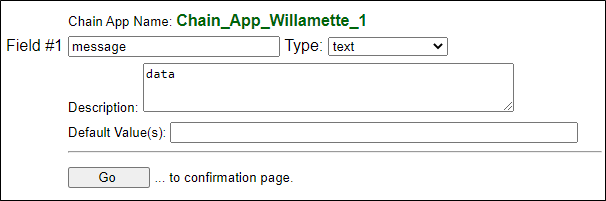
Above: Given that the objective is to simply setup a simple Chain App to get the ID properly registered the name of the one field that we specified can actually be any valid name. Call the field "Bubba" if you like. Here, we simply named the field "message". A description and keywords, even if very simple, are required.
Click "Go"
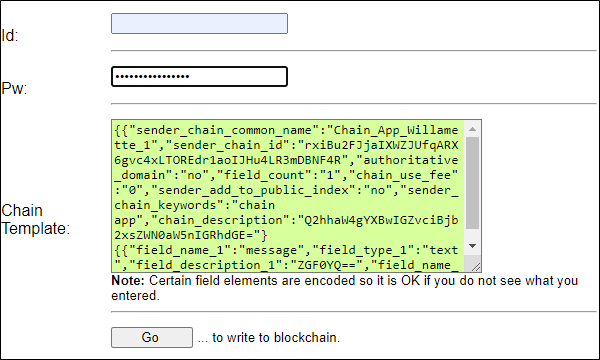
Above: A confirmation screen is displayed. The transaction message to create the Chain ID is shown. You will see that, for example, the chain_description, has been converted to Base64. Additionally, it is important to point out that this is not the entire transaction. Rather this is only the sender_message part of the transaction.
Click "Go"
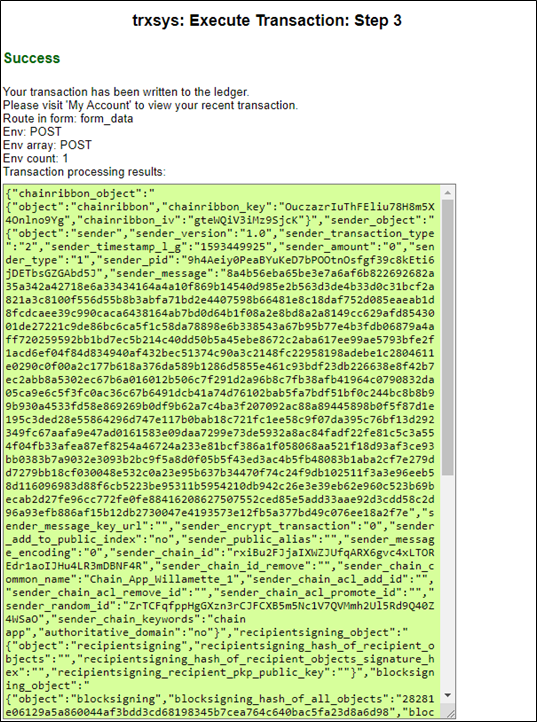
Above: If all went well, then a "Success" message with the transaction record written ledger will be displayed.
Find the Chain App ID:
In the event that you did not copy the Chain App ID from the first form you can easily find it.
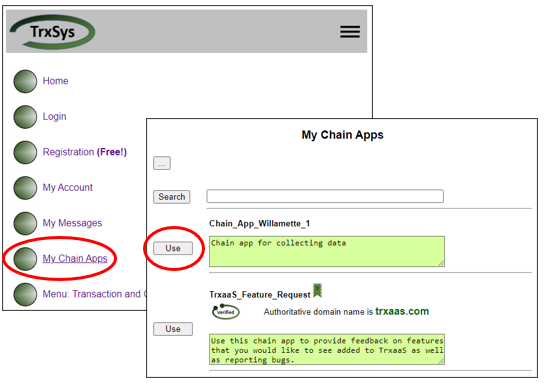
Above: To find the Chain App ID simply go to the Main Menu and select My Chain Apps
The Chain App will be listed. Click "Use"
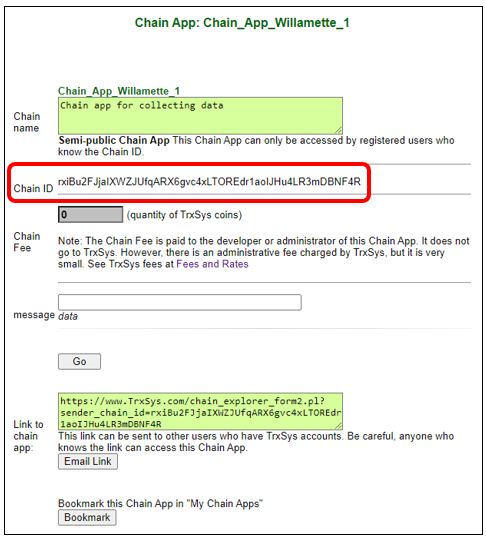
Above: The Chain App ID is available in this form. Click "Go"